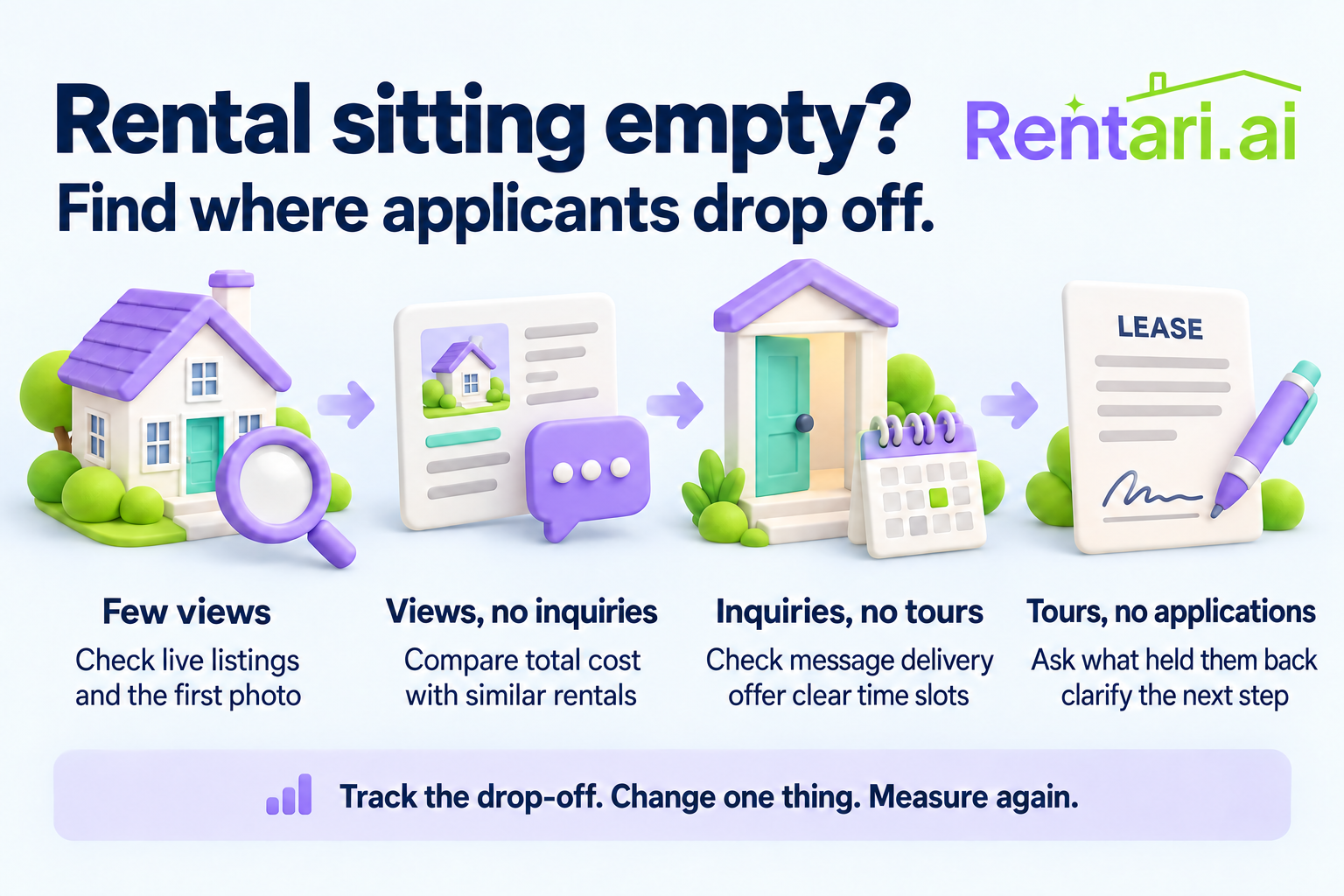
Publishing a listing does not prove every channel displays it correctly. Use this audit when a home goes live or its price changes.
Work through the checklist
Use the download to keep your record.
Check the renter-facing page
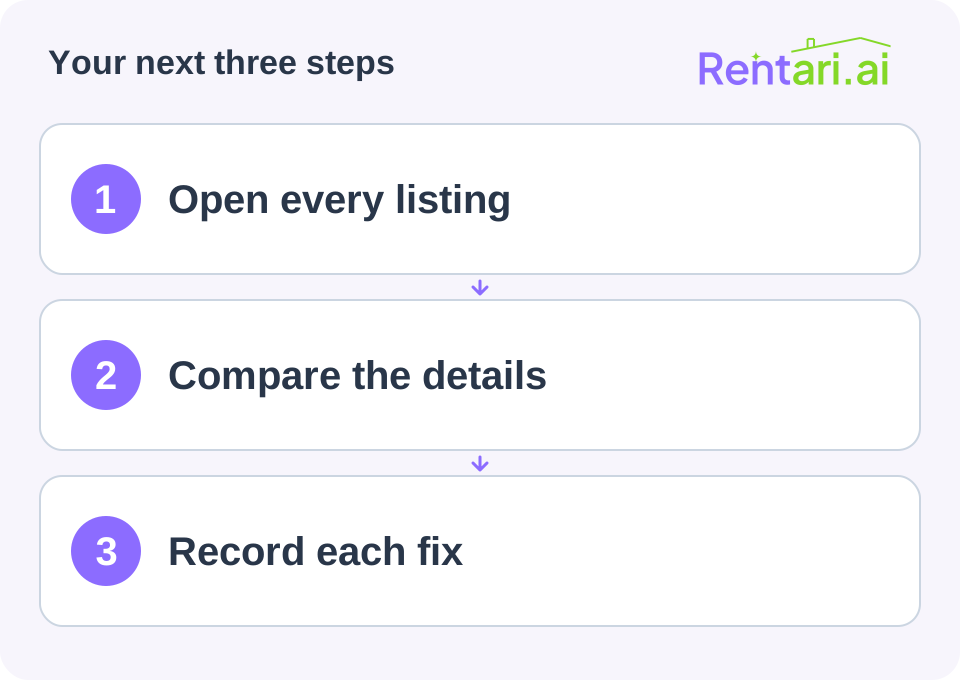
Open the actual listing link, preferably signed out. Record the channel, URL, date checked, and availability status. Confirm the unit, rent, fees, photographs, available date, pet information, and contact route. If access requires an account, record that limitation instead of marking the page verified.
Compare the first photograph on a phone with the actual property. Check whether a room rental could be mistaken for a whole home. Remove images of features no longer included.
Follow the contact path
Check the destination inbox and scheduling instructions without submitting a real application or paying a fee. Confirm who covers inquiries when the usual contact is away. A working listing with an unattended inbox is still an incomplete process.
Record each problem with its required correction, owner, and recheck date. A dated screenshot can help establish what changed.
Close the audit
Fix the original source before requesting redistribution where that is the provider's workflow. Recheck the destination after its stated processing window. A saved dashboard edit does not establish that the public version changed.
Keep one master description and change log. At the next audit, compare against that record rather than reconstructing the intended offer from memory.
Keep your completed record
Save the worksheet with the supporting records and restrict access to people who need it. This blank organizer does not calculate a legal, tax, insurance, or eligibility decision.