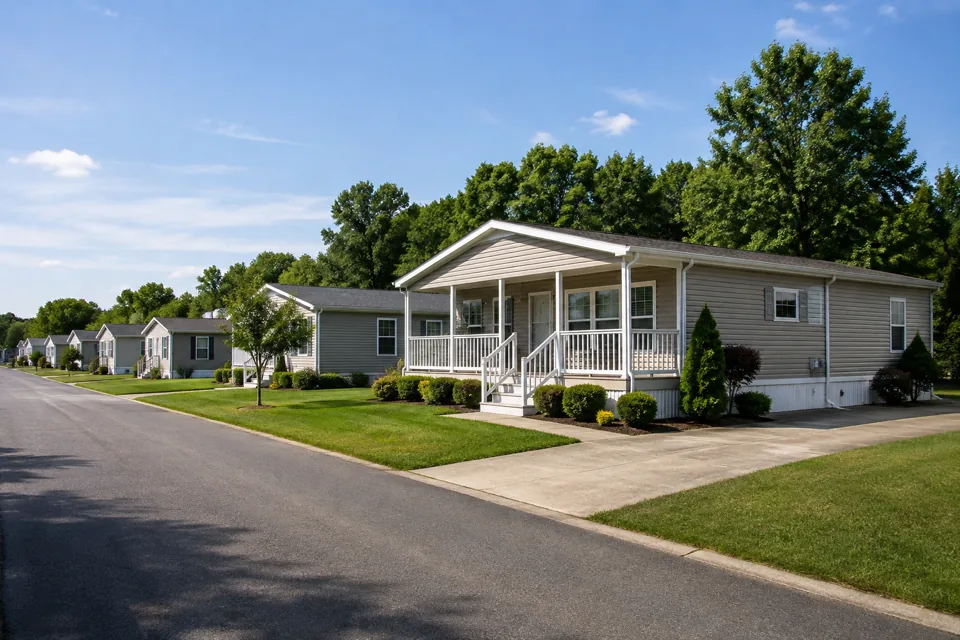
Prepare a thoughtful move-in
Review the lease and applicable association rules together before preparing the rental agreement packet.
Condo, co-op, HOA
Give the rental side of condo ownership a clear home. Connect your unit's lease, rent and repair records while keeping association administration with the people responsible for it.
 THE PROPERTY AT THE CENTER
THE DETAILS THAT MAKE THE DIFFERENCE
Review the lease and applicable association rules together before preparing the rental agreement packet.
Review the rental lease's charges and payments separately from association dues managed elsewhere.
Keep the unit and request details together, then establish owner or association responsibility before coordinating work.
See the work, step by step
Follow the rental journey in Rentari. Choose a chapter or play the walkthrough. Product screens use sample data; illustrated steps explain the workflow.
Step 1 of 3
Review the unit’s lease and gather the applicable association rules as supporting documents. Check the packet before signature.
Prepare a lease addendum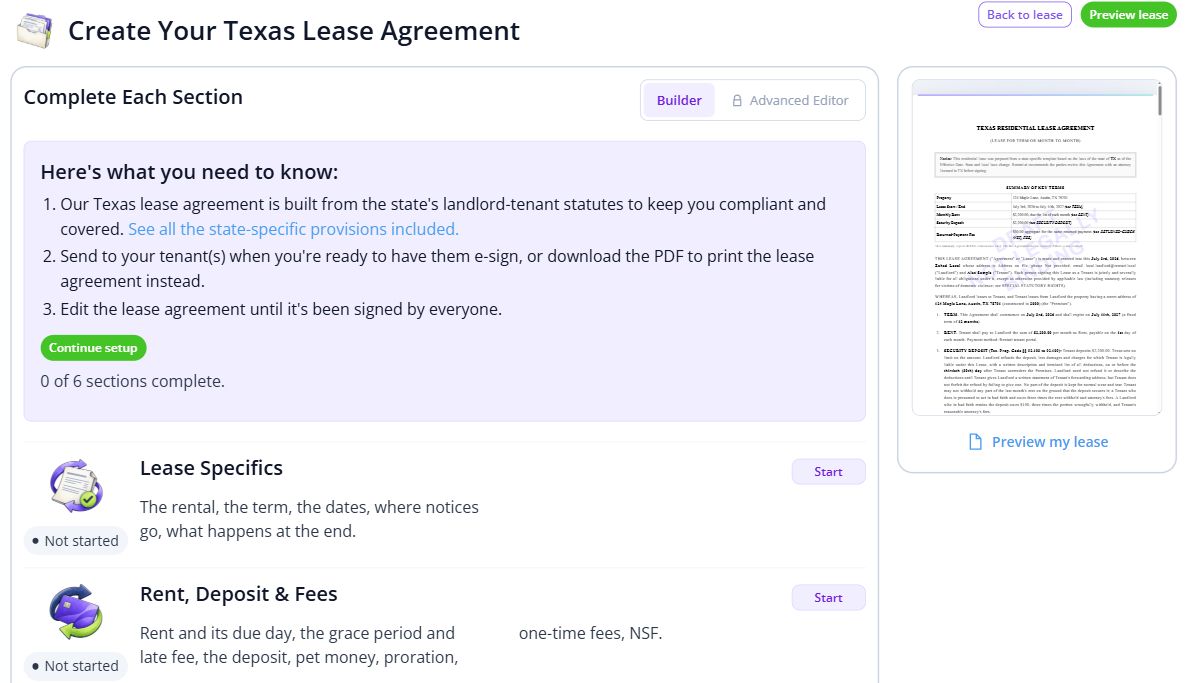
Step 2 of 3
Open the rental lease’s charges and payments. Keep rent records distinct from association charges managed elsewhere.
Review rental payment activity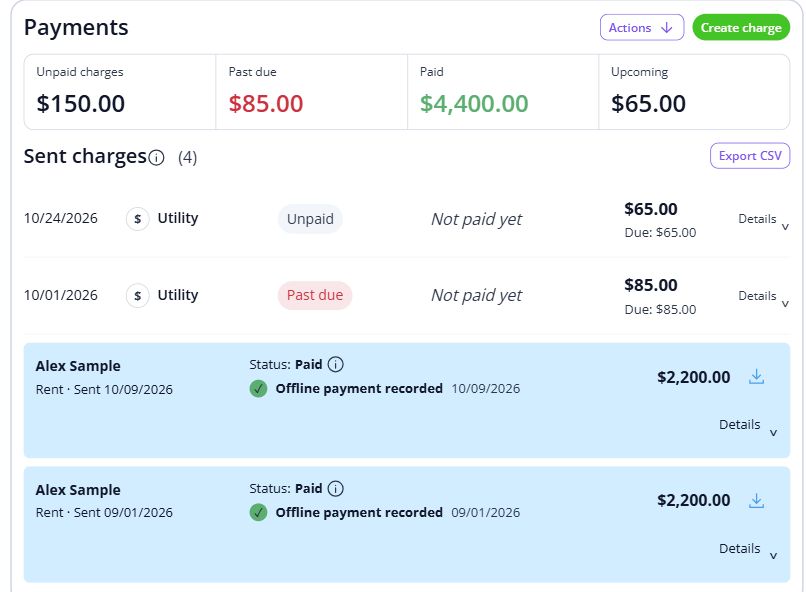
Step 3 of 3
Review the affected unit and request details. Establish whether the owner or association is responsible before coordinating work.
Attach a request to the right unit

BEHIND EVERY PROPERTY, PEOPLE
Help the rental side of a condominium feel personal, from move-in details to daily care. Keep the records and everyday conversations connected, so the next person has the context they need.
Built around your portfolio
For owners managing rented condos and townhomes within an association.
Explore the sample workspaceThis page covers rental operations. Confirm any requirements for association dues, board voting, violations or community administration separately.
Discuss your requirementsStart with one property
Have these details ready: unit and owner details; association rules for renters; repair responsibility contacts.
 01
01Add the property and units, then check their details before bringing in residents.
Property setup guide 02
02Review the agreements, opening records and payment readiness for the first tenancy.
Review lease setup 03
03Invite residents once the records are ready, and show them how to find rent, documents and repairs.
Tenant invitation guideHelp, right when you need it
Open a step-by-step article with product guidance.
Review condo roles and repair handoffs
Browse the landlord Help CenterNo. Rentari supports a condo landlord’s rental unit. It does not operate an HOA board, act as a licensed association manager or collect association dues. Arrange association administration separately.
Gather unit and owner details, association rules for renters, repair responsibility contacts. Start with one property, check the records, and then bring in the rest of your portfolio.
No. It uses product screens with sample data. Open the linked Help guides for the steps to follow in your own account.
Review the current pricing page for unit limits, included tools and any payment or screening fees. Check the workflows you need before choosing.
See plans and feesExplore your options
Your next step
Start with one property and a workflow you can see.