Every repair.
A clearer next step.
Bring resident requests, AI summaries and vendor coordination together. Review suggestions, approve the work and keep the repair record connected to the rental.
Built for landlords and property managers fielding repair requests.
- Tenant requests
- Repair context
- Vendor coordination

Keep the resident’s description, photos and property context together.

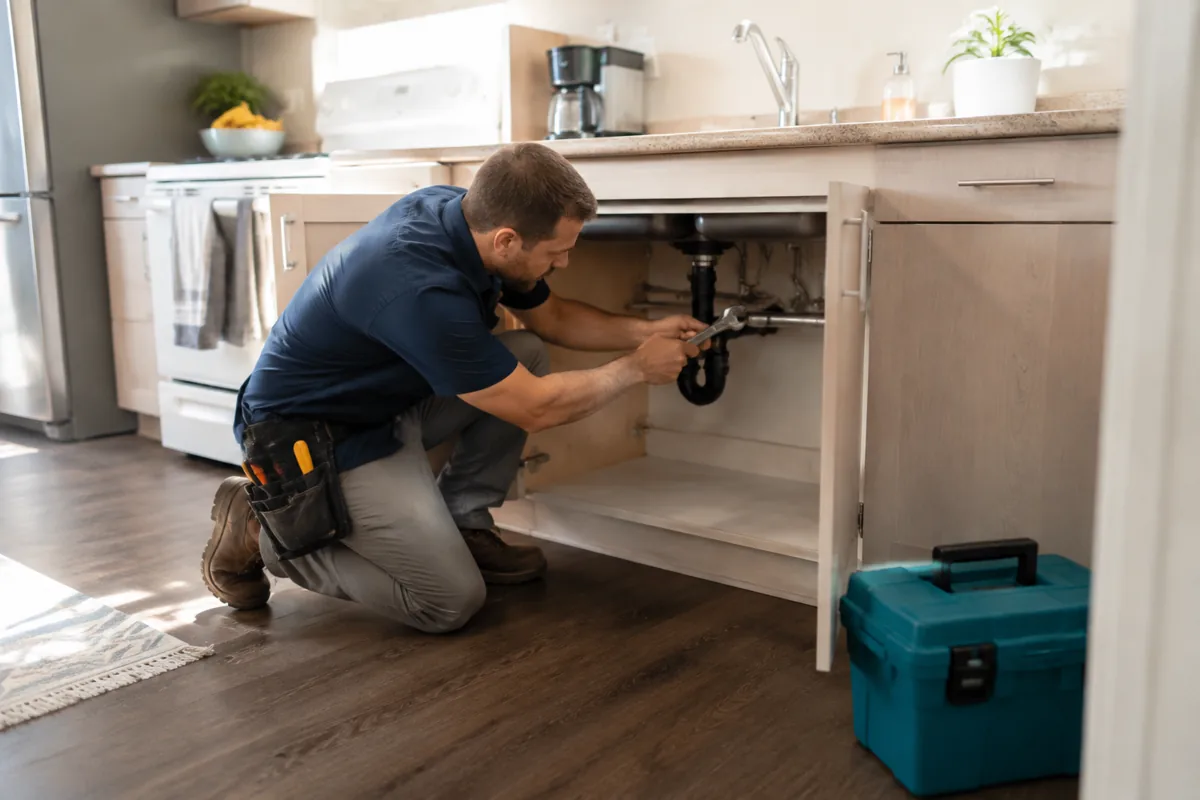
Review AI suggestions, coordinate qualified help and confirm access.

Confirm the work, retain the record and keep remaining follow-up visible.
A tap becomes a card you can act on.
The tenant reports the problem in one tap, photo and all. The co-pilot reads it, names the issue in plain language, scores how urgent it is, puts a cost range on it, and tells you the trade to call, before you have traded a single message.
Approve the estimate, then it ships.
The co-pilot lines up your vendor and brings you a single decision: approve the estimate. Nothing dispatches until you do. Set an auto-approve limit for small jobs, like a clogged drain under $150, so routine fixes do not wait on you.
Sensors stream, the AI flags the anomaly.
Connected leak, temperature, entry, and smoke sensors stream their readings into the dashboard. When a reading drifts out of the normal range, a slow leak under the sink, a furnace falling toward freezing, the AI raises an alert and can open a work order, so a quiet problem reaches you before it becomes damage.
Every job runs from reported to resolved.
Each job carries a live status, before and after photos, and the final cost. The tenant sees the updates, and when it is done the spend posts to your accounting as a categorized expense, ready for Schedule E and your year-end export.


Questions, answered
Do I have to approve every repair?
What smart devices work with Rentari?
Can I use my own vendors?
How are after-hours emergencies handled?
Stop small problems early.
Open the demo and send a maintenance report. Watch the AI name the issue, score it, price it, and line up the right vendor, then see how connected sensors flag a leak or a temperature drop before it turns into damage.
From $120 a year for up to 10 units.