See what came in and went out
Review rental income and operating expenses in one ledger.
Accounting & Expenses
Bring income, expenses and receipts together, then see how each rental is doing.
Manual expense entry requires a paid plan and appropriate financial access.

Keep rental income and costs connected to the property behind them.

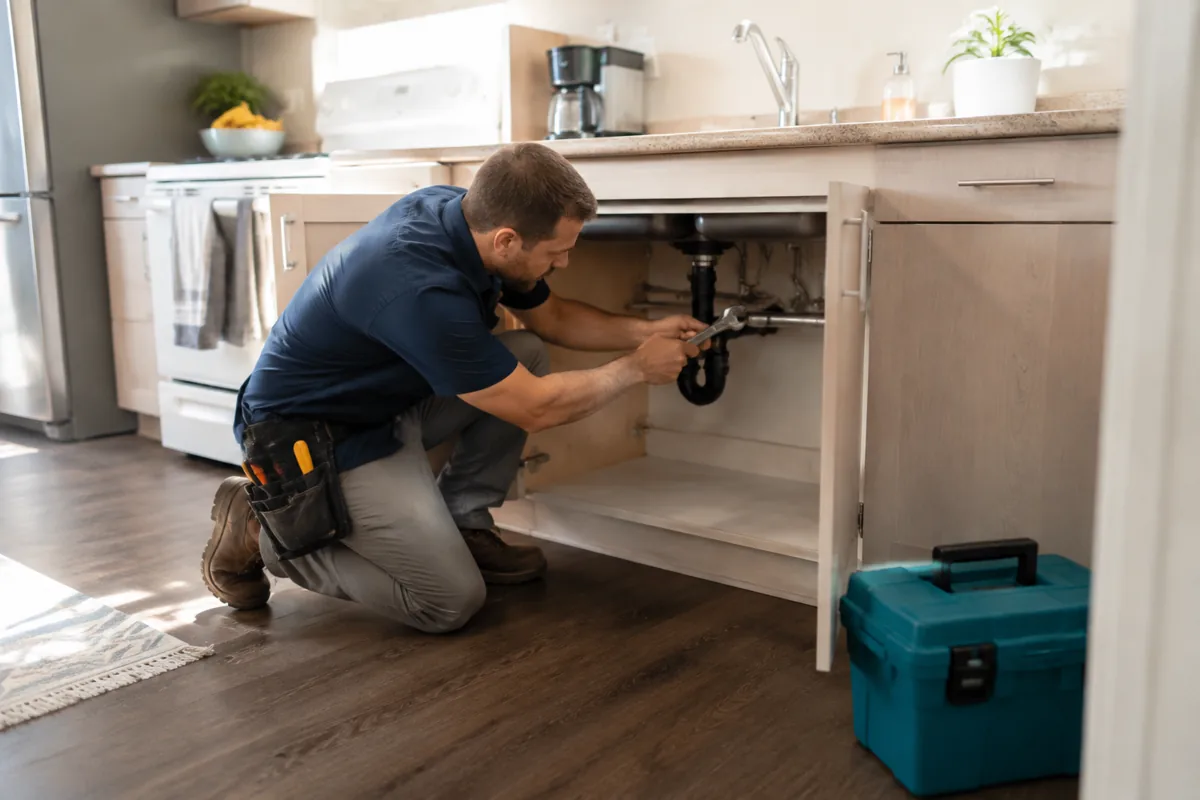
Bring expenses, supporting documents and your review into one place.

Use organized records and reports to understand your rental business.
A little order goes a long way
Keep the details together while they’re still easy to remember.
Review rental income and operating expenses in one ledger.
Attach an image or PDF receipt to the expense it belongs to.
Review the property and category before moving on.
Explore the details
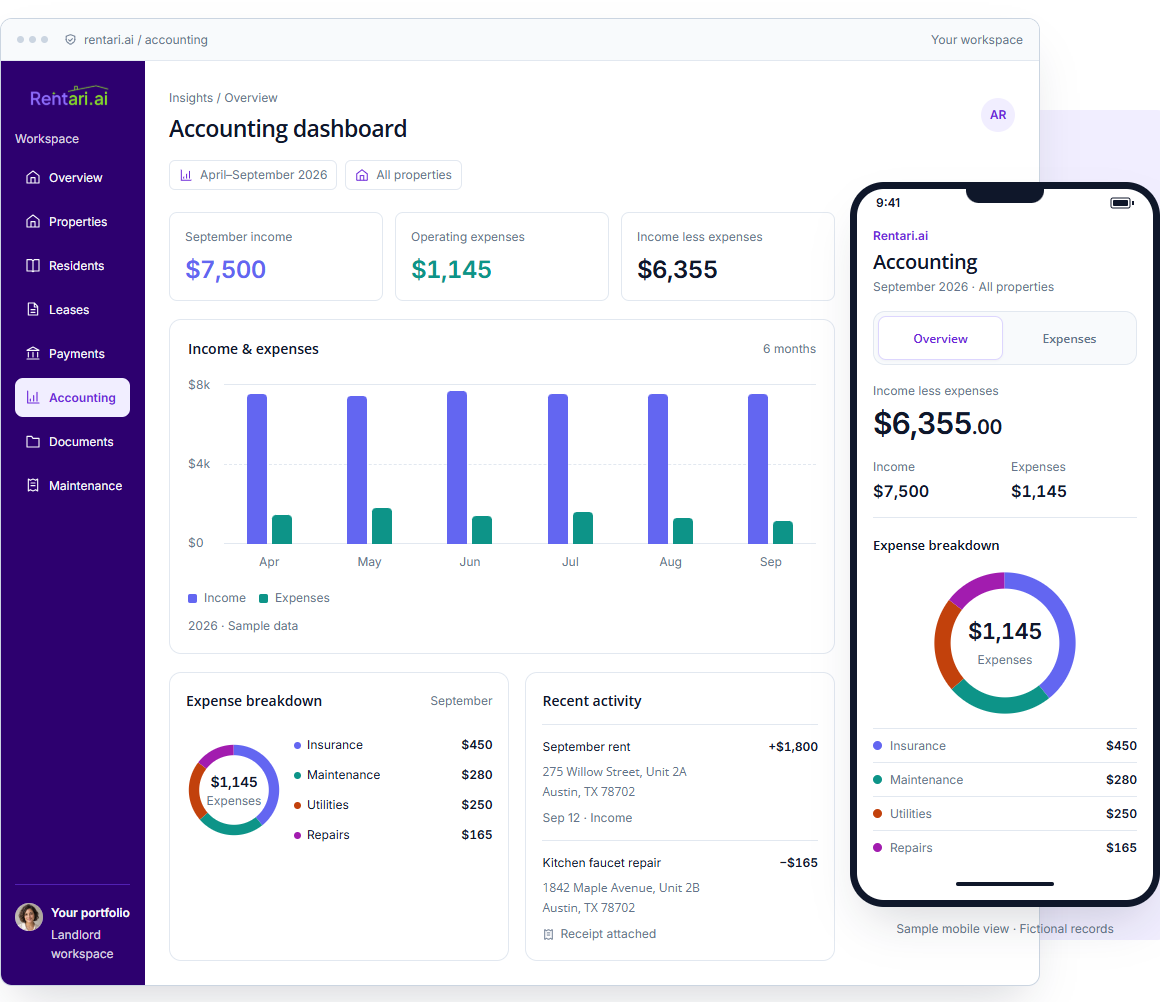
Explore desktop and mobile views with fictional records.
275 Willow Street, Unit 2A
Austin, TX 78702
1842 Maple Avenue, Unit 2B
Austin, TX 78702
Explore the mobile view
1842 Maple Avenue, Unit 2B, Austin, TX 78702
Sep 9 · Repairs275 Willow Street, Austin, TX 78702
Sep 8 · Maintenance1842 Maple Avenue, Austin, TX 78702
Sep 7 · Insurance275 Willow Street, Austin, TX 78702
Sep 6 · UtilitiesTake a look inside
Filter the transactions, review the sample receipt and explore property results.
September 2026
| Date | Transaction & rental | Category | Amount |
|---|---|---|---|
| Sep 12 | September rent · Noah Williams275 Willow Street, Unit 2A, Austin, TX 78702 | Rent | +$1,800Income |
| Sep 10 | September rent · Sofia Rivera275 Willow Street, Unit 1A, Austin, TX 78702 | Rent | +$1,750Income |
| Sep 9 | Kitchen faucet repair1842 Maple Avenue, Unit 2B, Austin, TX 78702 | Repairs | −$165Expense |
| Sep 8 | Landscaping service275 Willow Street, Austin, TX 78702 | Maintenance | −$280Expense |
| Sep 7 | Property insurance1842 Maple Avenue, Austin, TX 78702 | Insurance | −$450Expense |
| Sep 6 | Common-area utilities275 Willow Street, Austin, TX 78702 | Utilities | −$250Expense |
| Sep 4 | September rent · Ethan Brooks1842 Maple Avenue, Unit 3A, Austin, TX 78702 | Rent | +$2,100Income |
| Sep 3 | September rent · Maya Chen1842 Maple Avenue, Unit 2B, Austin, TX 78702 | Rent | +$1,850Income |
Service invoice
Invoice OW-1048 · September 9, 2026
1842 Maple Avenue, Unit 2BFictional sample. Not a payable invoice.
Check the source
Review the expense details alongside the attached document.
Sample category: Repairs. Changes are not saved.
Preview only. Open your account to record an expense.
Add an expenseAll sample properties
September at a glance
Sample operating entries only; excludes deposits, transfers and capital purchases.
September · All sample properties
Choose a category to see its share of spending.
Fictional records. Sample downloads contain example data; preview choices do not update your books.
Make room for a simpler routine
Keep the details together while they’re fresh, so there’s less to catch up on later.
Add the description, amount, date and rental.
Attach an image or PDF receipt.
Check the category before saving.

September 2026 · All properties
| Expense & property | Amount |
|---|---|
| Kitchen faucet repair1842 Maple Avenue, Unit 2B, Austin, TX 78702Sep 9 · Repairs | $165 |
| Landscaping service275 Willow Street, Austin, TX 78702Sep 8 · Maintenance | $280 |
Make the records useful
Explore the reports that help you review rental performance.
Review income and operating expenses by rental and period.
Bring the rental’s financial activity into one statement.
Use CSV or PDF exports where supported by the report.
Before tax time arrives
Review categories and source documents, then prepare the records for your tax preparer.
See reports & taxesYour tax preparer reviews the records before filing.
Start with the essentials
Overview charts are available on every plan. Paid plans include accounting records, manual expense entry, bank feeds, reconciliation and supported report exports, with appropriate financial access.
A few things to know
No. Manual expense entry requires a paid plan and appropriate financial access. Overview charts remain available on every plan. Bank feeds, reconciliation and supported report exports also depend on the current setup and report.
Yes. Attach an image or PDF receipt, then review the transaction’s date, amount, rental and category.
Use the property filter in the transaction list and supported reports to focus on a rental.
Paid plans support exports from eligible reports. Review the records and the report’s available CSV or PDF format before sharing.
This workflow organizes records and summaries for review by your tax preparer.
No. The records and downloads are fictional examples, and category choices stay in the preview.
No. Review imported items, confirm the date, amount, rental and category, and check whether a payment or transfer is already recorded before booking. A suggested category or possible payout match still needs review. Reconcile the same account and statement period, then inspect the saved records.
Use the transaction review instructions and the reconciliation guide. If an expense saved but its receipt upload failed, attach the receipt to that entry rather than entering the expense again.
No. Check the selected property or entity, dates, accounting basis, included records and coverage notes. Resolve missing, unbooked or misclassified activity and compare the downloaded format with the report you intended to share. A recorded payment or attached receipt alone does not establish a deduction.
Follow report review and export instructions and preserve the financial statement and rent-roll distinctions. Your qualified tax preparer reviews the applicable forms and treatment before filing; generating a summary does not file a return or certify complete books.
A clearer home for your rental finances
Income, expenses and the details behind them.