The short answer
Start with the question, choose the report that supports it and verify the date, property, filters and coverage. A customized view is useful only when its totals can be traced to the underlying records.
On this page
Write the question in one sentence
Specify the audience and decision: which charges remain unpaid, what expenses were recorded for a property, or what activity occurred in an account. Choose whether you need a period of activity or a balance as of a date.
These are different report types. Do not expect one export to answer every question or assume that two reports use the same accounting basis.
Select the supported report and filters
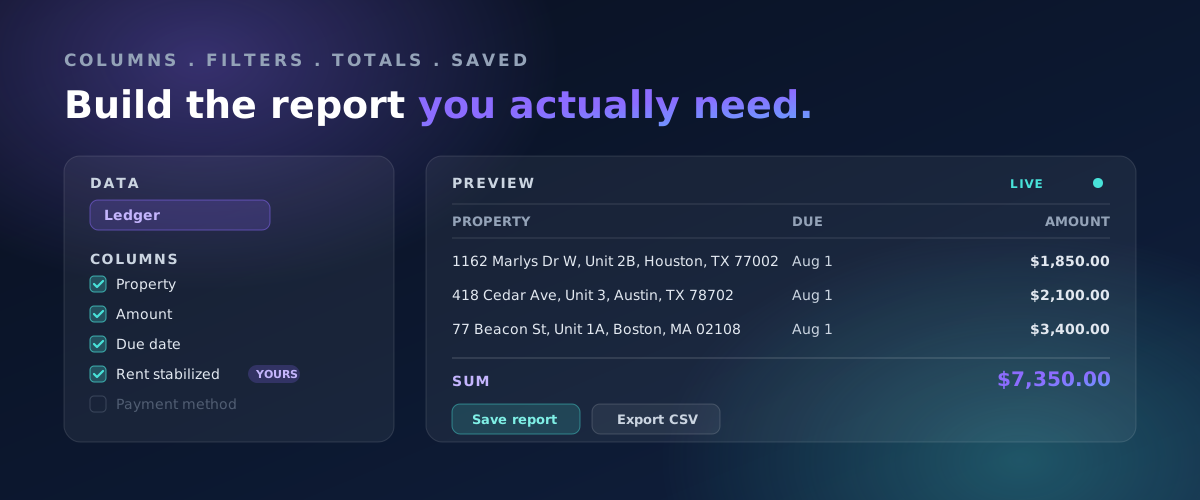
In Rentari, open Accounting, then Reports. Choose the report whose description matches the task and review the date or period and Portfolio/property controls it offers. Use additional options only where they are available for that report.
Run the report and inspect its heading, sections and coverage notes. A missing option may reflect the selected report's scope, not an account error. Choose a different report when the question requires a different view.
Worked example: a monthly total and a current balance
An illustrative June activity report shows $1,000 in receipts. A current balance view also reflects a $400 receipt posted in July. The two figures can differ legitimately because they answer different time-scoped questions.
Check transaction dates and report definitions before calling either total wrong. If the same scope still disagrees, compare the underlying records and identify the specific difference.
Verify the export independently
Open the downloaded workbook, CSV or PDF and inspect the period, property and columns. A separately linked export may have a different scope from the screen. Do not assume every filter traveled with the download.
Reconcile important totals before sending the file to an owner or accountant. Note missing records or unresolved classifications rather than presenting a provisional figure as final.
Make the report repeatable
Keep a short record of the report type, filters, reporting basis, recipient and review date. Repeat the same scope next period unless the question changes, and explain material changes in the comparison.
Limit the recipient to information needed for the task. A report can be accurate and still contain unnecessary tenant or account detail. Store the supporting version and any corrections so later readers can understand the result.
Written and maintained by the Rentari team. Examples explain a decision; they are not customer results. This is general education. Confirm the rules and treatment for your property with a qualified local professional. Found an error or an unclear step? Send a correction with this page's address and the detail to review.
Your next step
Choose and review a report