The short answer
Evaluate what an AI tool can read, prepare and change, then test how approvals and failures appear. The useful control is the one whose effect you can verify.
On this page
Make a permission map
List the records the tool can access and the actions it can perform. Separate viewing a lease from editing it, preparing a message from sending it, and reading a payment from initiating one. Check property and team boundaries with an authorized demo account.
Ask where the permission comes from: your user role, an integration credential or a separate administrator setting. A tool connected to a broad account may have more access than the one task you intended to delegate.
Inspect the approval itself
A useful approval identifies the recipient, property, amount where relevant and exact proposed change. Review whether editing a draft changes an approval already given. If you cannot inspect the final action, pause and use the ordinary workflow instead.
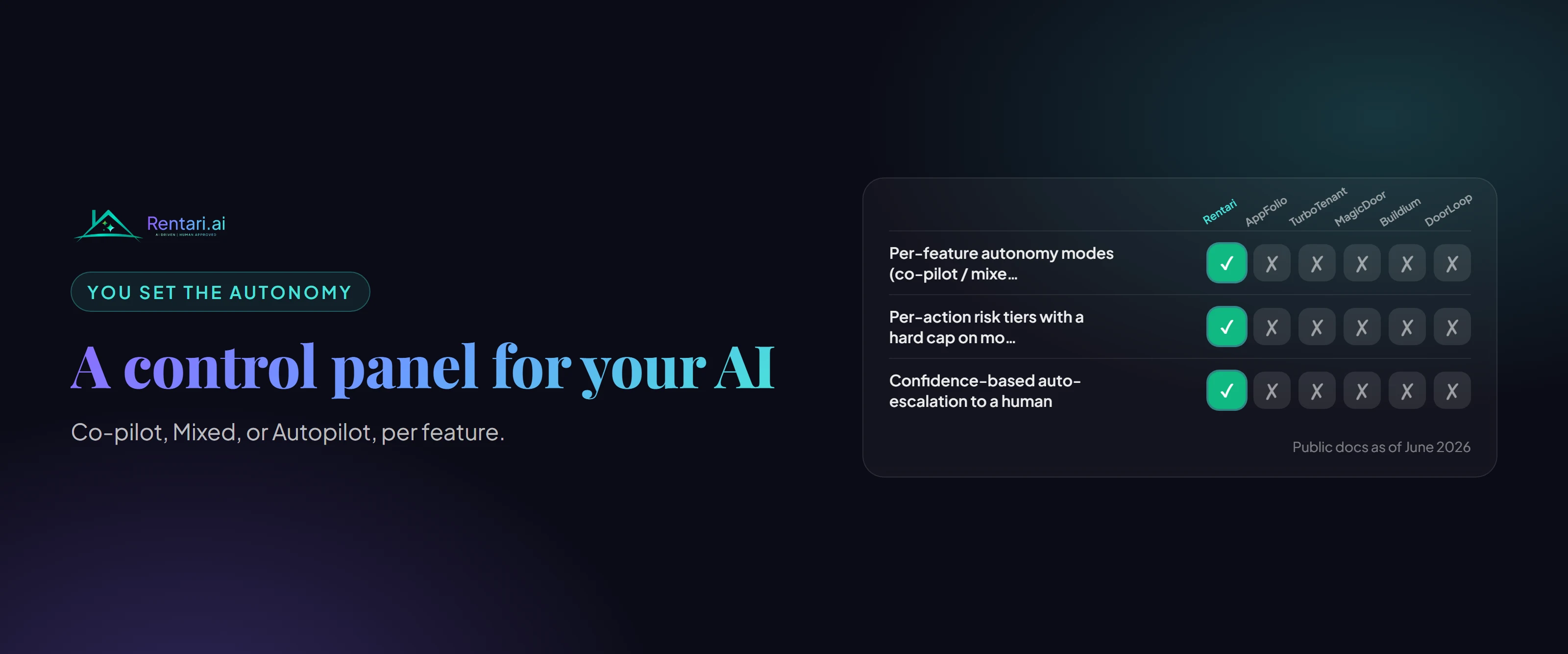
Do not assume that a global setting called safe, assisted or automatic guarantees a particular behavior. Read the current description and test a low-impact example. Product controls can change; keep the test date and the account configuration with your evaluation.
Worked example: the wrong rental
Imagine a user asks for a maintenance update while two units have open plumbing requests. The assistant should distinguish the full property address, unit and request. A response that guesses the rental is a failed test, even if its wording sounds helpful.
Repeat the test with access to only one property. Verify that an answer does not reveal another owner's records. Use fictional records in a demo when checking these boundaries, rather than moving real tenant documents into an unfamiliar service.
Check failures and recovery
An unavailable integration should produce an unavailable result, not a success message. A timeout may leave the outcome uncertain; check the saved record before repeating the action. Ask how support can trace an incident without requiring a password or full financial document.
Know how to disable future automation and revoke an integration. Turning off a feature may not undo an action that already occurred. Review any scheduled work separately, and confirm its final state.
Keep a small evaluation record
For each test, save the task, expected result, observed result and follow-up. Include a permission-boundary test, a missing-information test and an uncertain-result test. Use those records when comparing products or reviewing a new release.
In Rentari, follow the controls and confirmation shown in the current workflow. Check the resulting message, document, payment or maintenance record. This checklist describes what to evaluate; it does not promise that a named mode is available in every account.
Written and maintained by the Rentari team. Examples explain a decision; they are not customer results. Found an error or an unclear step? Send a correction with this page's address and the detail to review.
Your next step
Find the current product workflow