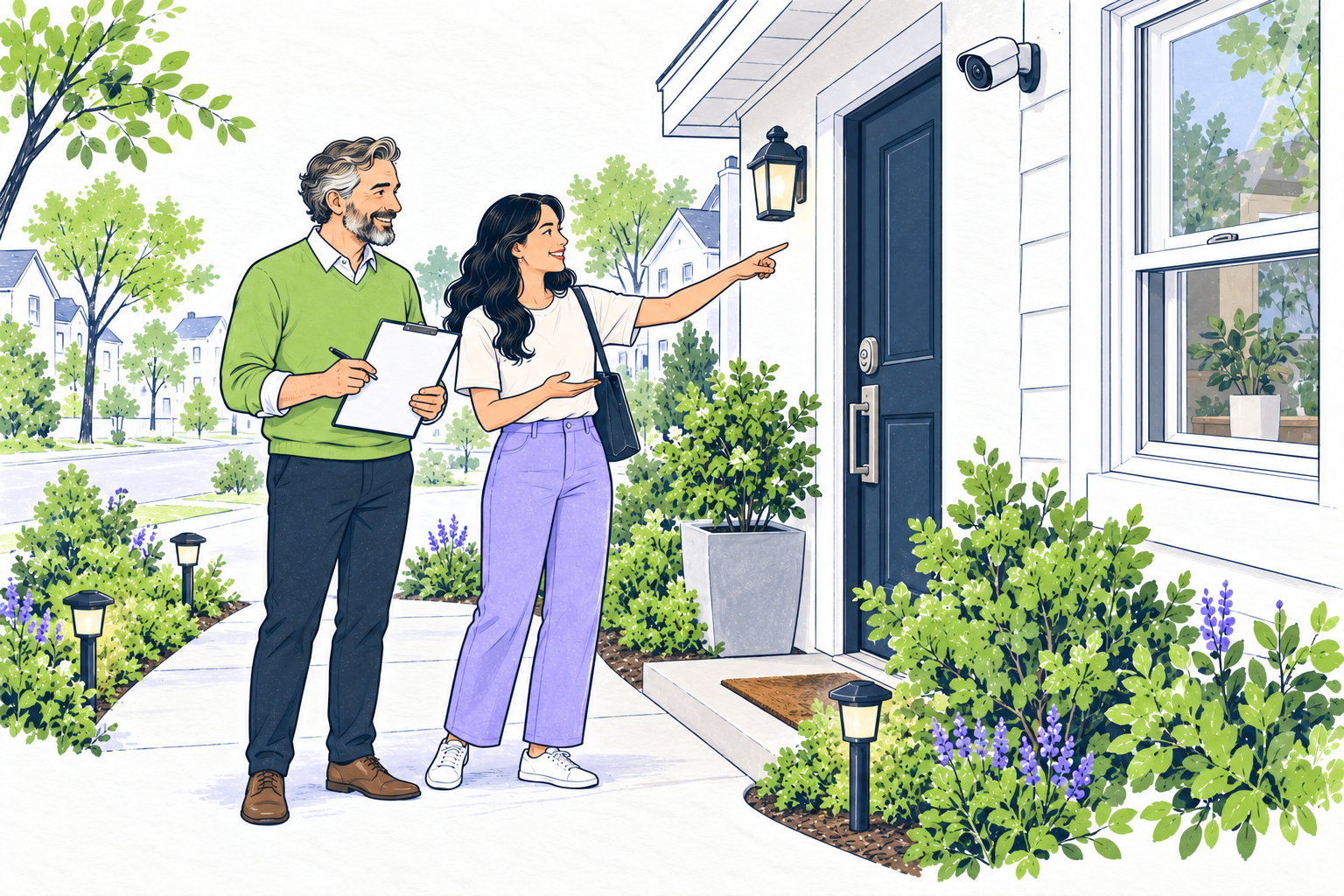
The short answer
Start with the property, talk with residents, and weigh each change against privacy, access, maintenance and full cost. A device alone does not establish a safety plan.
On this page
Walk the property and identify the actual concern
Review the exterior approach, shared entrances, doors, windows, lighting and access controls. Note a broken latch, dark path, damaged gate or unclear key process as a specific repair or operating question. Ask residents what they have observed; do not assume that one feature will address every concern.
Use the property's actual access and notice process before an inspection. Keep exits and accessible routes usable. Do not add a lock, gate or other barrier that could trap someone or interfere with emergency egress. Ask a qualified local professional to assess building, fire and accessibility requirements for proposed work.
Match a practical improvement to the problem
For an exterior door, ask a qualified locksmith or contractor to check the door, frame, strike plate, lock and key control as a system. For a window, verify the latch works without blocking an emergency exit. For a path or shared entry, check whether lighting is even, maintained and aimed to avoid glare into homes or neighboring windows.
Keypads and smart locks add questions about unique codes, access logs, battery or network failure, emergency entry, accessibility and who can change credentials. Confirm that any replacement fits the actual door and follows local requirements. A feature should not be described as crime prevention or a guarantee of safety.
Set privacy and access rules before adding cameras
Decide what a camera is meant to see, who may review it, how long recordings remain available and who responds to an alert. Keep views limited to the intended exterior or shared area; do not point a camera into a home or a neighbor's private space. Review current local recording, notice, lease and consent requirements before installation, especially where audio is involved.
Internet-connected cameras and doorbells can expose private video if their accounts or network are poorly protected. The Federal Trade Commission's camera guidance recommends checking security features, using strong unique passwords, enabling available multifactor authentication, keeping software current and limiting who can view a feed. Explain any real monitoring hours and response process; an unattended camera is not an emergency service.
Agree on access and resident communication
Explain who holds keys or codes, how a resident reports a concern, what happens after a lost credential and who handles urgent repairs. Apply access rules consistently. Discuss a requested change through the usual accommodation and repair process, and keep private resident information in the appropriate protected record.
Residents should check the lease and obtain any required approval before replacing a lock or installing a camera or other device. Owners should document authorized work, credential changes and the current contact route. Keep security communication separate from screening, rent decisions and assumptions about a person's identity or household.
Compare the whole cost and operating plan
Request an itemized quote for the actual property. Include equipment, installation, access work, permits where required, batteries, network service, subscriptions, updates, maintenance and eventual replacement. Ask who pays each cost, who maintains the system and what happens during a power, internet or vendor outage.
If a building proposes a gate, cameras or on-site personnel, define the covered areas, schedule, responsible contact and response limits. Compare those details with a simpler repair or lighting change. Do not rely on a rent premium, crime-reduction percentage or national price without current evidence for the property and decision.
Keep the feature working without over-collecting
Record the installed equipment, responsible contact, warranty, maintenance date and credential-change process. Arrange inspections and repairs with the required notice. For connected devices, follow the manufacturer’s update instructions and review account access when an authorized user changes. Keep only the information needed to operate the system and follow applicable retention rules.
Handle life-safety systems on their own inspection and maintenance schedule. The U.S. Fire Administration's rental smoke-alarm guidance explains where residents should look for alarms and how to contact the landlord or rental agent when one is missing. A camera, keypad or gate does not replace working alarms or an emergency plan.
Use this review checklist
- Describe the condition or access concern you can verify.
- Check the entry, windows, lighting and clear exit routes.
- Ask a qualified person to assess proposed lock or electrical work.
- For cameras, set the view, notice, access, response and retention rules first.
- Discuss resident requests consistently and follow the applicable process.
- Compare installation and ongoing costs, responsibilities and outage plans.
- Record maintenance and review whether the change still works as intended.
This checklist helps organize a property discussion. It is not a security assessment, legal opinion, crime forecast, guarantee of protection or substitute for current local requirements.
Review the intercom at this entrance
Map the controlled common entrance, unit doors, package area and permitted visitor route separately. A video intercom connects a visitor call to an entrance release; it does not replace every lock, credential or emergency route. Ask a qualified installer to check the actual door mechanism, network, power, mounting, weather exposure and applicable building requirements. No in-unit handset does not mean no installation connections.
| Rentari | ButterflyMX |
|---|---|
| Software and written access/maintenance guidance support coordination. This guide establishes no video-intercom integration, hardware installation or physical-entry monitoring service. | The provider's intercom page describes visitor calls, supported app/PIN/fob or keycard access, permissions and logs. Its installation FAQ identifies internet, power and door-strike connections and a local low-voltage installer. Confirm the equipment and agreement for this building. |
Before relying on a system, arrange an authorized test of the intended door release, limited visitor or delivery permission, expiration and revocation, and a usable alternative when a phone, network or power is unavailable. Confirm who receives a failed-call report and provides local help. Keep lawful access and resident notice separate from a working credential. A release log does not establish identity, lawful entry, completed work or reduced liability. Use the privacy, maintenance and full-cost checks elsewhere in this guide; assess any claimed rent premium, fewer lockouts or savings from property-specific evidence.
Sources and further reading
Keep learning
 Agree on camera responsibilities before installation
Describe the proposed location, viewing area, audio setting and purpose. Review privacy, permissions and any accommodation request before approval; visibility or a lease paragraph alone does not establish lawful recording. Do not use a camera request to start monitoring private living space or to replace a factual conversation about a concern.
Record who owns the equipment, authorizes installation, pays purchase and subscription costs, maintains it and can access recordings. Define the response to an alert or outage and the appropriate retention process. Use separate authorized accounts where supported rather than sharing passwords.
Agree on the move-out plan: equipment removal or transfer, repair of installation damage, account and access changes, and handling of retained recordings. Put permitted terms through the appropriate reviewed agreement process. A device installation does not automatically amend the lease or authorize a new resident charge.
Respond to a report of possible concealed occupancy
Phrogging is a popular term for someone secretly staying in an occupied home without the residents' knowledge. A noise, missing item or damaged latch does not establish that this happened. Take the report seriously and record the specific observation, location and time without repeating an unverified accusation.
If someone may be in immediate danger, move to a safe location and contact local emergency services. Do not confront a suspected intruder or ask residents to search attics, walls or crawl spaces. For other concerns, coordinate appropriate local assistance and a qualified property assessment using lawful access arrangements.
Preserve relevant messages and existing authorized access records privately. Review doors, windows, keys and repair needs through the checks above. Cameras need their own privacy review; a lease clause or recording does not establish identity, occupancy rights or permission for private removal.
Common questions
Does an intercom replace every lock and key?
No. Review the entrance, unit doors, emergency routes, supported credentials and accessible alternatives separately. Arrange authorized tests and a usable outage process for the configured system.
Does an access log prove who entered?
It records the event the system captured. Shared credentials, remote releases, missed events or another person following an entrant limit the conclusion. It does not alone prove identity, lawful entry or completed work.
Can I assume Rentari integrates with an intercom?
No integration is established by this guide. Confirm the actual supported hardware, provider, plan, permissions and device results separately. Software records and written guidance do not provide physical installation or emergency response.
Archive years group longstanding rental topics. This Rentari guide was published on 2026-10-04.
Written and maintained by the Rentari team. Examples explain a decision; they are not customer results. Found an error or an unclear step? Send a correction with this page's address and the detail to review.
Your next step
Follow a maintenance request