Away from your desk.
Close to your rentals.
Rental work happens away from the desk. Review rent status, conversations and maintenance requests from your phone. Available tasks depend on platform, role, permissions, property, plan and version; some steps open the website. Review Mozart and Luna suggestions before acting.

Bring the photos, rental details and first conversations together.


Keep applications, lease preparation and documents connected to the rental.
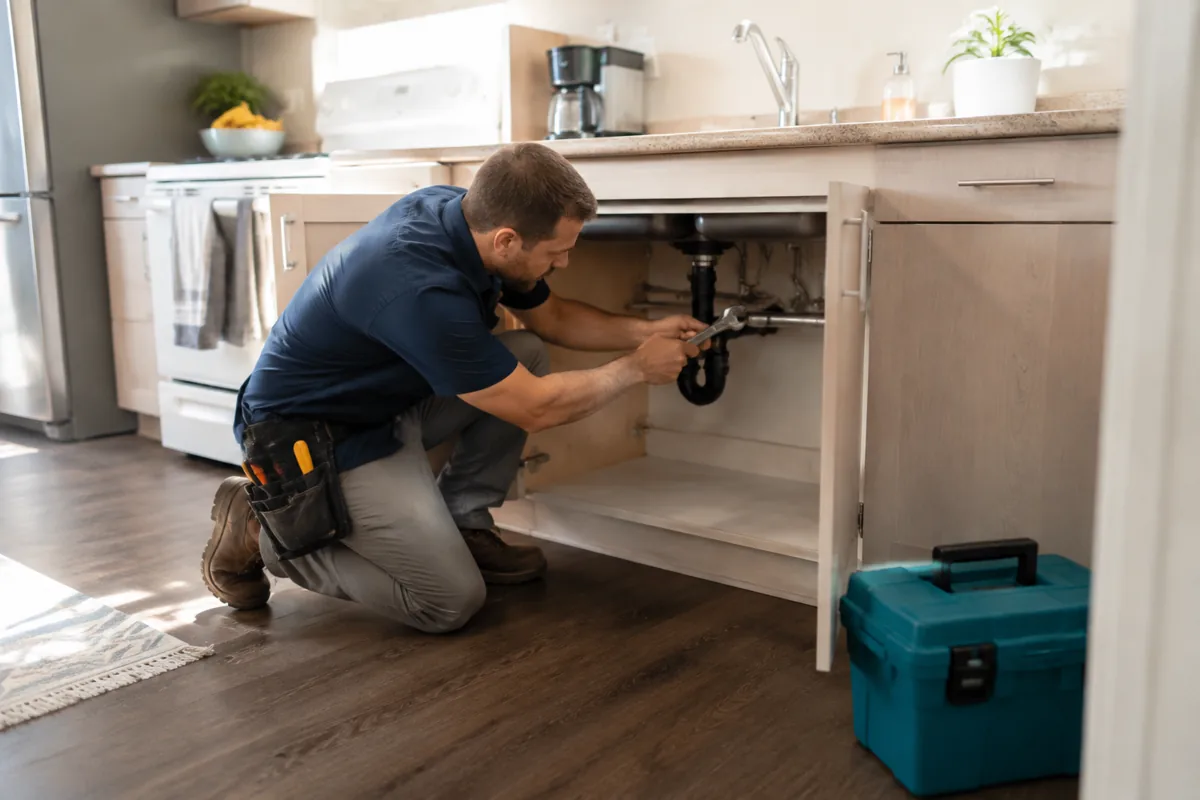
Follow rent, conversations and repairs from one place, with AI help along the way.
Landlords and tenants on mobile. Vendors on the website.
Landlords and property managers review rental work, and tenants use the tasks available for their tenancy. Vendor accounts use the website. Check the selected property and your permissions before acting; native features vary by platform, plan and installed version.
On iPhone, Android and the website.
Rentari is available on the App Store for iPhone and on Google Play for Android. Check each current listing for device requirements and release details. You can also use the website on a supported browser. Confirm the tasks you need in the installed app; platform, role, permissions, property, plan and version determine what is available.
Check the current records before acting.
Use your Rentari account on the app and website, and check the correct property and latest records after an update has been processed. Connectivity, permissions and processing can affect what is shown. A recorded payment or payment status does not establish settlement or a completed bank payout. Review maintenance details and AI suggestions before any handoff; no automatic dispatch or response time is guaranteed.
Mobile app questions
Is there a property management app for iPhone?
Rentari is available on the App Store for iPhone. Check the current store listing for supported devices, the required iOS version and release details. Landlords, property managers and tenants use the native app; vendor accounts use the website.
Is there an Android app?
Rentari is available on Google Play for Android. Check the current listing and installed version for device support and available tasks. The website offers another way to access rental work; native and browser capabilities depend on platform, role, permissions, property, plan and version.
Can tenants use the app to pay rent?
Tenants can use the payment options made available for their tenancy. Online rent collection is coming soon on Free. Paid collection requires setup and tenant opt-in; confirm current pricing, availability and the latest payment status. A payment status or recorded entry is separate from settlement and bank payout. Other tenant tasks depend on permissions and the installed version.
Does the app do everything the website does?
Confirm each required task in your installed app. Available workflows depend on platform, role, permissions, property, plan and version; some tasks open the website. Vendor accounts use the website. Review AI suggestions before acting, and check the latest records after the service processes an update.
How much does the app cost?
The app is free to download; the App Store lists in-app purchases. Access to rental features depends on your plan and account setup. Check current pricing and payment disclosures before enabling collection. Online rent collection is coming soon on Free, and paid collection requires setup and tenant opt-in.
Put the portfolio in your pocket.
Free to download for iPhone or Android. Available rental tasks depend on your account, permissions, property, plan and version. Vendor accounts use the website.
Online rent collection is coming soon on Free. Paid collection requires setup and tenant opt-in; check current pricing and payment disclosures.