The short answer
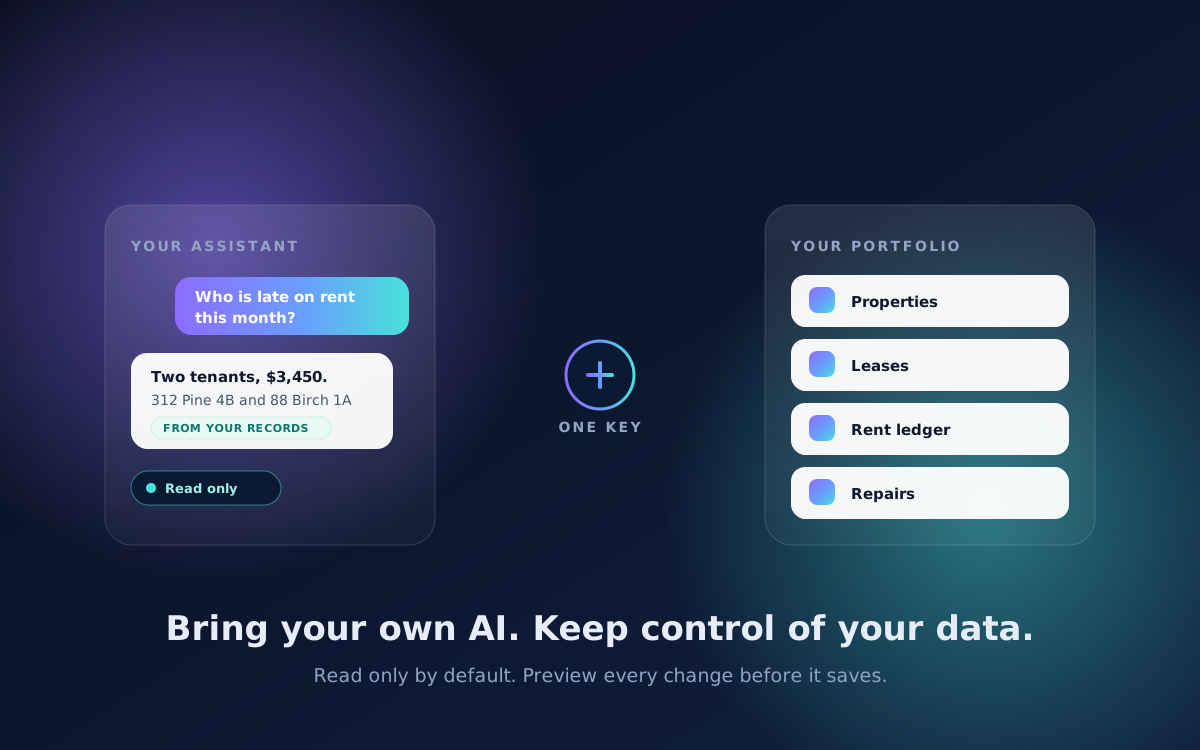
Define the permitted task, review the access requested and test the connection with limited information. Reading records and taking actions should be separate decisions.
On this page
Decide what the connection is for
Write a narrow purpose, such as summarizing an authorized report or locating a document. Identify the minimum data required and whether the task needs any write access. A broad request to manage a portfolio is not a useful permission boundary.
Check the current integration documentation and availability for both services. This guide does not promise a public API, connector or action capability in every Rentari account.
Inspect permissions and data handling
Review what the tool can read, where information is processed, retention and how access is revoked. Consider sensitive lease, screening and financial records separately from public listing information. Use only services approved for the intended data and task.
Keep credentials in the supported secure connection flow. Do not paste passwords or API secrets into an ordinary chat, shared spreadsheet or support ticket. Use a dedicated limited credential when the integration supports one.
Worked example: summarizing a monthly report
Start with a report containing only the fields needed for the question. Ask the tool to identify the reporting period, property and any missing information. Compare its summary with the original totals and notes.
Do not grant payment or messaging permissions merely to summarize a report. If a later task needs an action, review that permission and the exact proposed action separately.
Test boundaries and uncertain results
Use authorized test data to check whether the tool refuses an out-of-scope property or operation. Confirm that an unavailable source is described as unavailable. An answer that invents a result is a failed test, regardless of how natural it sounds.
If a write-capable request times out, inspect the actual record before repeating it. Keep the tool's statement separate from evidence that the action succeeded.
Review and revoke access
Maintain an integration list with the owner, purpose, access and review date. Remove connections no longer needed through the supported revocation process. Check outstanding scheduled actions separately.
Ask support about the current connection options before migrating sensitive workflows. A small verified use case gives you a better basis for expansion than a broad demonstration with unrestricted records.
Written and maintained by the Rentari team. Examples explain a decision; they are not customer results. Found an error or an unclear step? Send a correction with this page's address and the detail to review.
Your next step
Find the current product workflow