Use a decision record to track a review, not to invent a new set of screening rules. Your criteria and required notices need jurisdiction-specific review.
Work through the checklist
Use the download to keep your record.
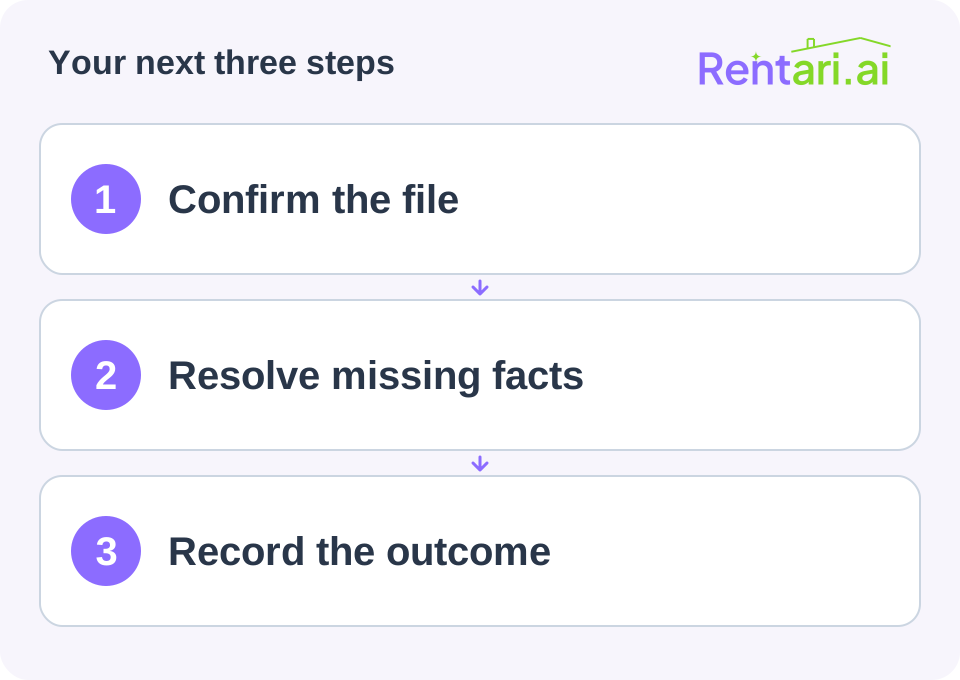
Establish the file
Record a secure applicant reference, property and unit, application received date, criteria version, and reviewer. Verify authorization and permissible use before requesting reports. Keep report contents in the secure application system rather than this checklist.
Mark each required item received, missing, disputed, or verified. Avoid a single complete checkbox that conceals unanswered questions.
Document follow-up
For each unresolved item, record the specific question, permitted verification method, request date, response, and next action. Apply the same communication approach to comparable files.
If an accommodation request or disputed report requires a different workflow, record the referral and responsible reviewer. Do not force it into a standard missing-document reminder.
Close the review
Record the outcome, evidence relied upon, decision date, and communications required. Separately track whether an adverse-action notice is required and has been handled through the approved process.
Do not store Social Security numbers, full reports, passwords, or bank credentials in an exported tracker. Use reference numbers and controlled links. Follow the organization's lawful retention and disposal process.
Before using the checklist, have another reviewer walk through a sample file. The test is whether the record explains what happened without requiring private details in every column.
Keep your completed record
Save the worksheet with the supporting records and restrict access to people who need it. This blank organizer does not calculate a legal, tax, insurance, or eligibility decision.
Sources and further reading
Source review: September 24, 2026. Check current requirements before acting.