Repeatedly pressing publish can create duplicate listings without revealing why a partner site is missing your rental. Investigate the transmission instead.
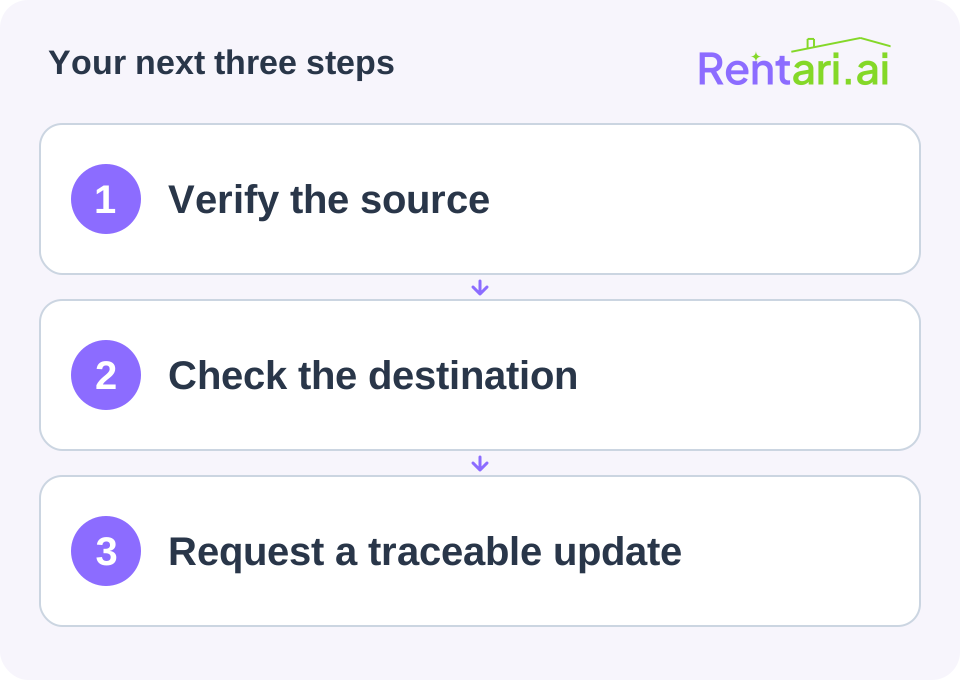
Confirm what was submitted
Save the property identifier, submission time, address and unit, and source status. Check required fields, photographs, availability, and account-verification messages. Distinguish a draft from a submitted or publicly visible listing.
Search the destination with the correct location and property type. A room and a whole home may appear under different filters. Check for an old listing attached to the address before making another record.
Give support a specific question
Provide the source URL, expected destination, submission time, and missing field. Remove private account details from screenshots.
Ask: Can you confirm the last successful transmission for listing [reference] and the destination response? Please identify any action required from me.
This lets support distinguish a rejected submission from a processing delay or display problem.
Verify at the destination
Use the provider's current processing guidance rather than assuming instant distribution. After a correction, inspect the public destination again.
Maintain a table of active channels and verified URLs. Until the page is visible, label it awaiting verification. That keeps the team from assuming broad exposure when renters can see only one advertisement.