The short answer
A smart lock is only one part of an access process. Verify lawful entry, the intended recipient, the correct door and how access ends; do not assume a calendar event or checkout automatically revokes a credential.
On this page
Define the reason and authority for entry
Record why access is needed, which property and door it covers, who will enter and the agreed time. Check the lease and applicable notice, consent and emergency-entry rules. Possessing a working code does not itself establish a right to enter.
Separate resident access from a contractor visit or showing. Share only the information the recipient needs and avoid putting reusable codes in broadly visible notes or photographs.
Test the actual device and integration
Confirm which lock, gateway and software functions are supported. Review offline behavior, battery alerts, time-zone settings and any delay between a software change and the device receiving it. Follow the manufacturer's current instructions.
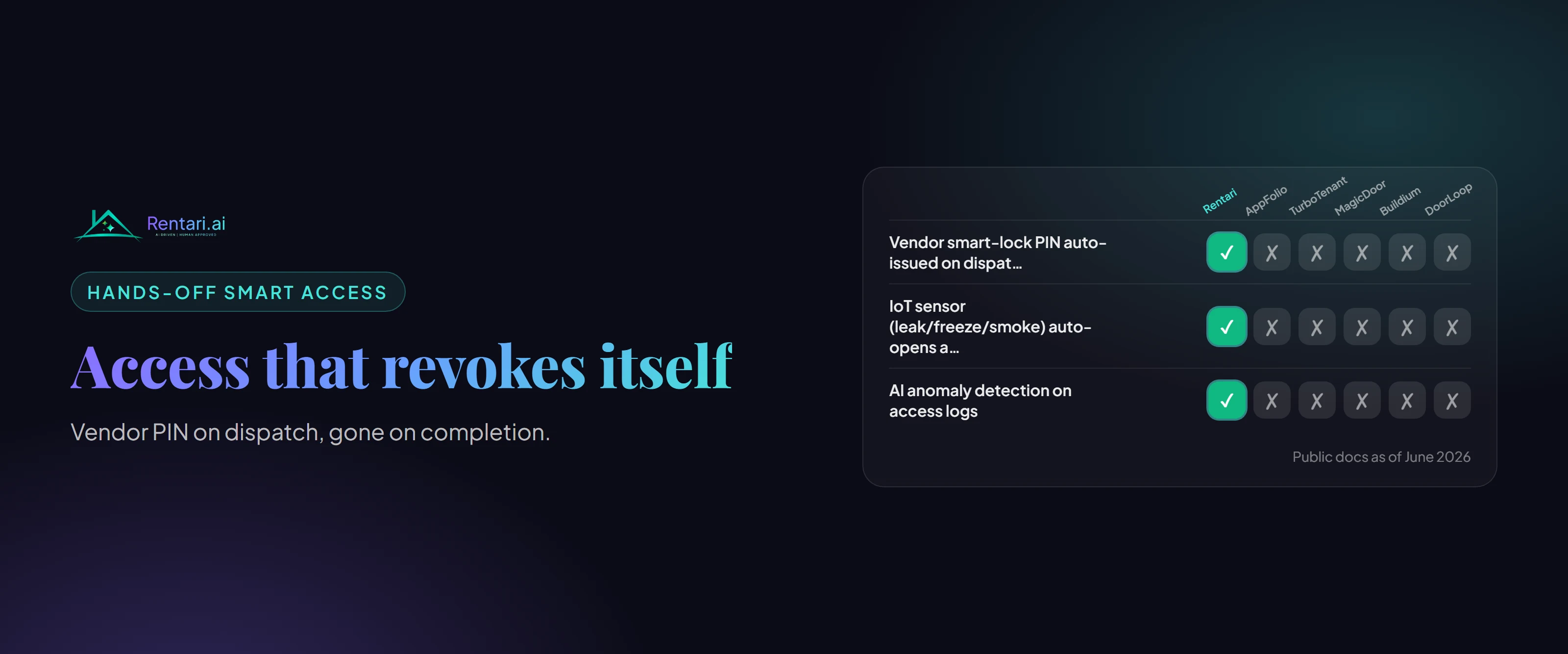
This article does not promise that Rentari supports a particular lock or automatically creates or revokes codes. Confirm availability and the actual saved result for your account before relying on an integration.
Worked example: a contractor visit
An authorized contractor needs access to one unit during an agreed window. Review the recipient, door and validity period before sharing. Confirm the resident communication and any required notice separately from creating the credential.
If the appointment changes, review both the old credential and the new arrangement. Creating a new code does not necessarily disable the previous one. After the visit, confirm the access result using the supported device process.
Plan for failure without creating a new risk
Keep an authorized backup access procedure for a failed device or connection. Protect physical keys and emergency credentials. Do not instruct a resident to defeat a lock or leave an unsecured entry simply to avoid a service call.
When someone leaves a role or loses a device, review their access promptly. Preserve relevant records while limiting unnecessary disclosure of resident movement or entry history.
Close the access record
Record who confirmed expiry or revocation and when. If the result is uncertain, treat the credential as potentially active until verified. Review access after tenancy changes, contractor changes and integration changes rather than assuming an earlier automation still applies.
Written and maintained by the Rentari team. Examples explain a decision; they are not customer results. Found an error or an unclear step? Send a correction with this page's address and the detail to review.
Your next step
Find the current product workflow