When a payment appears delayed, collect a small set of precise facts before contacting support. Keep full account numbers and credentials out of the worksheet.
Work through the checklist
Use the download to keep your record.
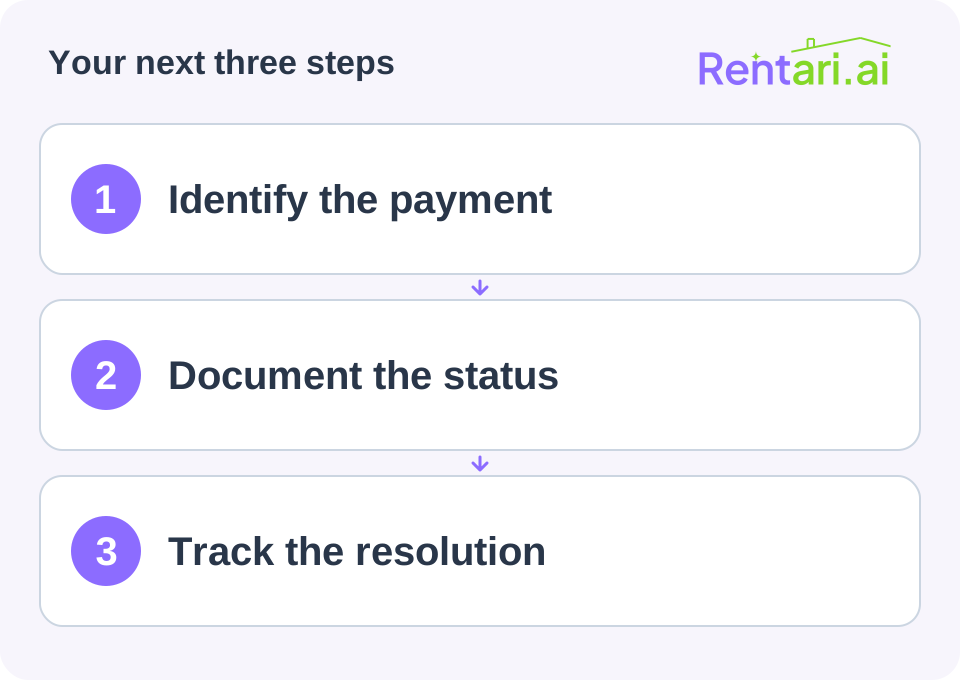
Capture the reference
Record property and unit, resident reference, amount, initiation date, method, provider transaction ID, current status, and the date that status was checked. Note any reported bank debit without treating it as the final payout.
Use the provider's exact wording. Processing and failed should not be collapsed into a generic unpaid label.
Record the expected event
Identify the provider's estimated timing and which event it describes. Save a link to current support guidance if available. Note weekends or holidays only where relevant to that provider's process.
Check whether additional account verification or an explicit error requires action.
Track the support result
Record the support case reference, question, answer, promised update, and next owner. Ask whether the transaction needs action, is awaiting settlement, or has a return or cancellation.
Do not ask the resident to send a replacement until the original transaction's status and duplicate-payment implications are reviewed.
Close the worksheet when the relevant ledger and bank records have been reconciled, or document the remaining exception. A closed support ticket alone does not prove the money reached the correct account.
Keep your completed record
Save the worksheet with the supporting records and restrict access to people who need it. This blank organizer does not calculate a legal, tax, insurance, or eligibility decision.